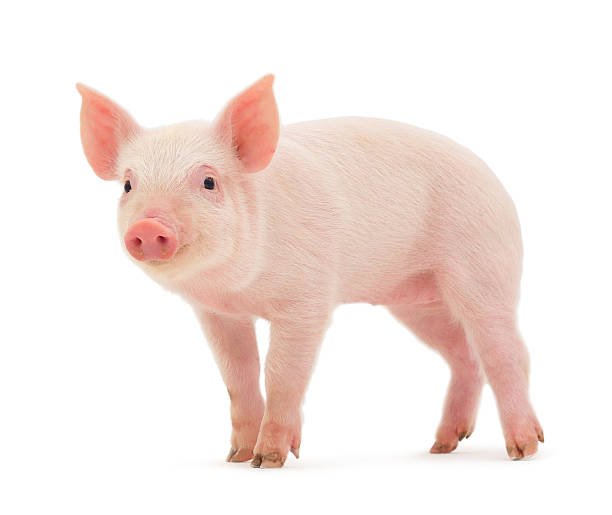
Show Image
Context:
The first step to every image analysis problem is importing your image. If you would like to show your image at any point in your analysis pipeline, on your screen, use either (1) plot image or (2) show image.
Tip
use show_image for a clean image
Arguments:
Requires a path to your image.
Tip
Since I am using Google Collab, I use a path within my Google Drive. Check the home page for the Basics of Google Collab if you need help.
Code:
import cv2
from LivestockCV import core as LivestockCV_core

img = cv2.imread('/content/drive/MyDrive/pig.jpg')

print('                           Original Raw Image')
LivestockCV_core.show_image(img)