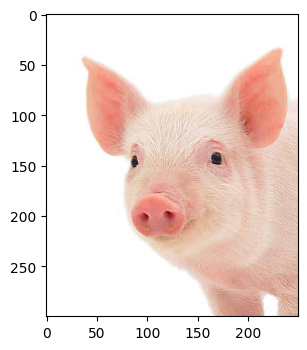
Crop
Context:
You might encounter a need to crop an image. Perhaps you might want to tidy a particularly messy image! Perhaps you want to focus on a specific body part! Maybe there is a localized infection site you’d like to investigate further.
Arguments:
Requires a path to your image.
Tip
Since I am using Google Collab, I use a path within my Google Drive.
Code:
import cv2
from LivestockCV import core as LivestockCV_core

img = cv2.imread('/content/drive/MyDrive/pig.jpg')
print('  ')
print('                           Original Raw Image')
LivestockCV_core.plot_image(img)
** crop_img = LivestockCV_core.crop(img=img, x=40, y=40, h=300, w=250) **
print('')
print('  ')
print('            Cropped Image')
LivestockCV_core.plot_image(crop_img)